Free Password Generator
Generate a random password in your browser, with a length and character groups you choose.
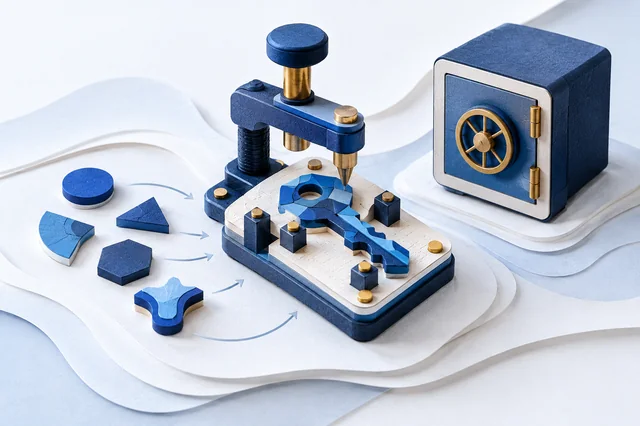
Guided walkthrough
Guided walkthrough
Create a random password with chosen character groups.
- Choose a length from 8 to 128 and at least one character group.
- Only when ready, use the tool’s generate button to create fresh, unpredictable values. Check the chosen options and keep any real secret private.
Illustrative example
Length 16; uppercase, lowercase, and digits enabled. The output would contain 16 randomly selected characters, not a fixed sample password.
How to read the result
The result follows the selected length and character pool. Randomness does not make a short value strong or ensure compatibility with a service. Generate a new value for actual use; no fixed credential is provided here.
This is a static educational walkthrough. It does not fill fields, generate values, inspect your browser, or read storage. Use fictitious, non-secret data for practice. Never share passwords, keys, tokens, or cookie values. These explanations are not a security audit or certification.
Share this tool
Only the tool’s public link is shared. Your inputs and results stay here.
Show link to copy manually
Quick answer
Generate a random password of a chosen length and character mix in this browser, then copy it to a password manager.
The page and its assets load from the site; this operation uses your entered values only in this browser and does not send them to a calculation endpoint.
How to use it
Choose a length and the character groups you need, then select Generate. The generator uses the browser cryptographic random source; its random selection avoids simple modulo bias. Save the result in a password manager before leaving the page.
Limits
A website may impose its own password rules. Check those rules before saving the result, and use a different password for every account.
Frequently asked questions
Does this tool send the password to a server?
The generator creates the result in the browser. The page code and assets are still requested from the site when the page loads.
How long should a generated password be?
Use the length accepted by the service and prefer a long, unique password saved in a password manager. A length alone cannot guarantee account security.
Can I reuse the generated password?
No. Use a different password for each account so a leak from one service does not expose another account.
Will it include every selected character type?
Not necessarily. The selected types form the allowed pool; each output character is drawn from that pool, so a type may be absent. Check any site-specific rules before using it.
Sources and references
These references document the cited standard or browser API; they do not validate the tool’s output.